Why should a shop website work on phones?
Your customers should be able to read the menu, view product pictures and tap a contact link without zooming. Check the phone layout before approving the website.
Show the essentials first
Shop name, main offers, location where relevant and a prominent contact action. Tiny text and hard-to-tap buttons make a beautiful website less useful.
Great media must still load promptly
Images and videos should fit the device. Make primary text and contact actions visible before loading heavy motion.
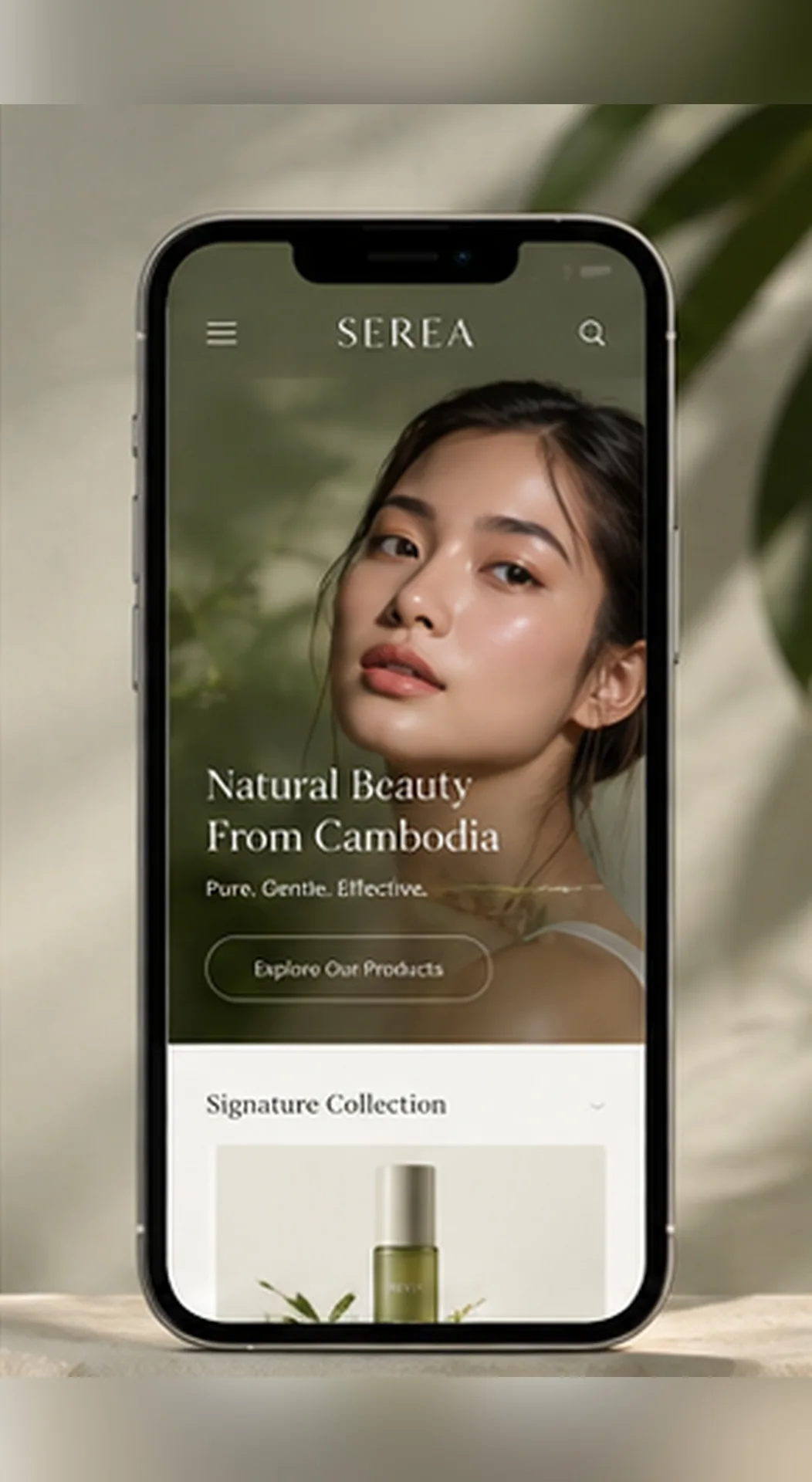
Test on a real phone
Open it, tap Telegram/WhatsApp, change languages and follow a service link before sharing publicly.
The content, contact button and product photos should remain clear on a phone; desktop screenshots alone cannot confirm this.
Send your menu and contact links, then check the approved layout on your own phone before launch.
What should phone visitors find first?
Make the business name, key products or services, menu and contact action easy to reach. Customers should not need to zoom repeatedly to read a price or message the business.
What must be tested before launch?
Open the page on a real phone and a slower connection. Test navigation, menu, Telegram, WhatsApp and language switching. Check that Khmer script, prices and product images do not overflow the screen.
Pretty screenshots are not enough
Commercial visuals help the first impression, but the menu and contact buttons need to work. A static mock-up is not evidence that the website itself is usable.
Explore service ↗