Business software · Custom setup
Shop
system
A shop system built around your shop
Boxed software makes your shop fit the software. We do it the other way round: we first ask how you sell, take payment, buy stock and run your staff, then set the system up to match. You only get the parts you use.
See it working
A 50-second walkthrough in Khmer: checkout, kitchen, stock, attendance, payroll and profit, in a demo tea shop.
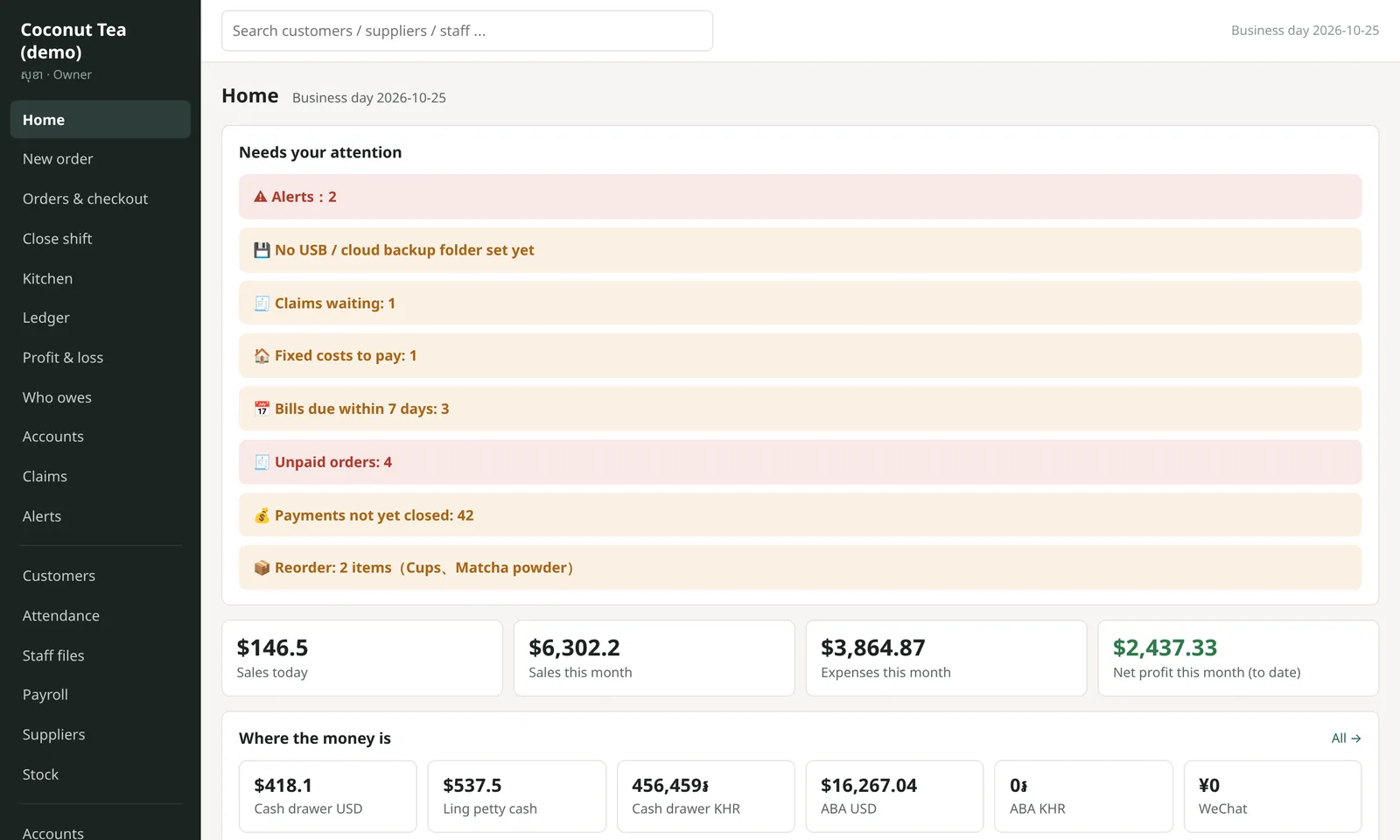
Each shop turns on only what it needs. The screenshots show the demo tea shop with everything on.
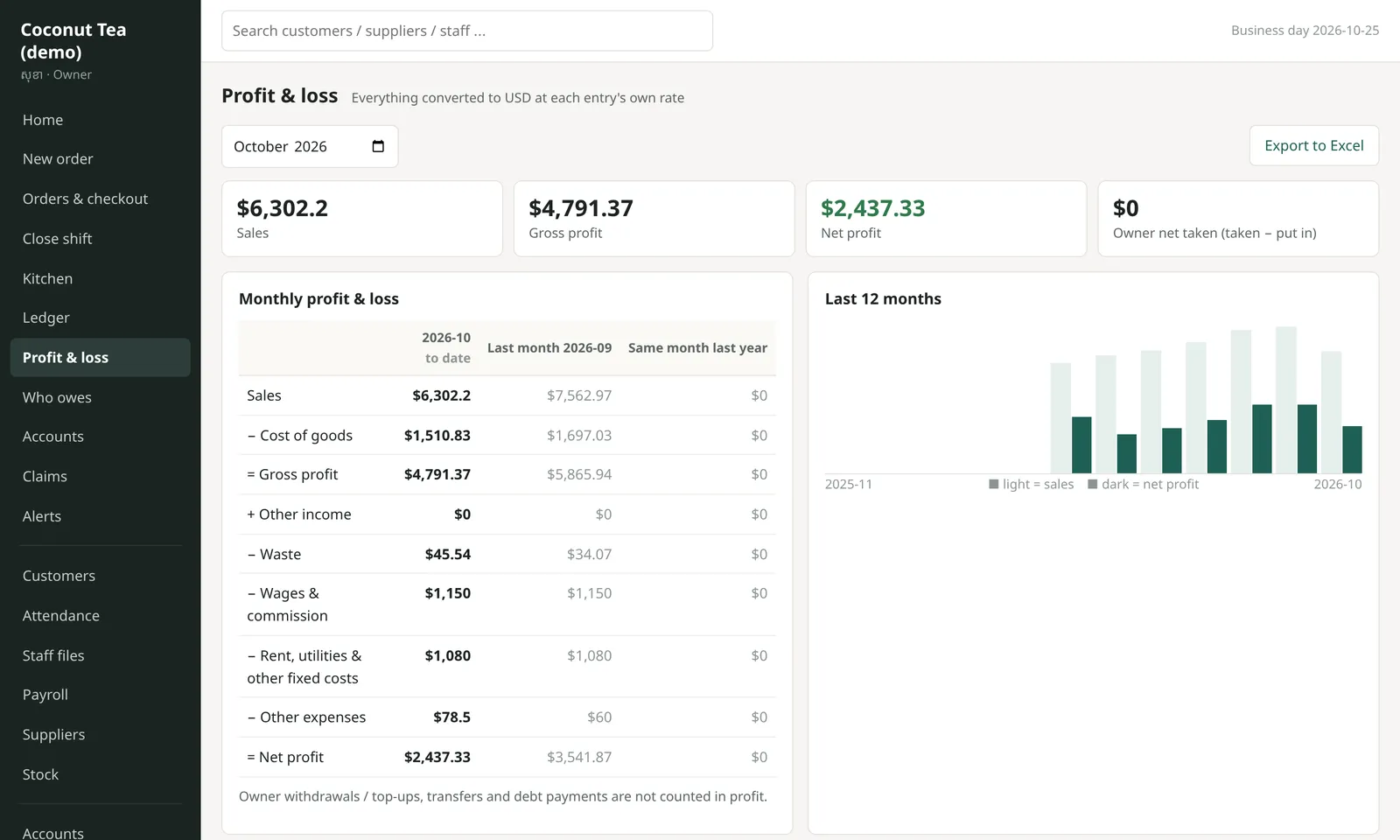
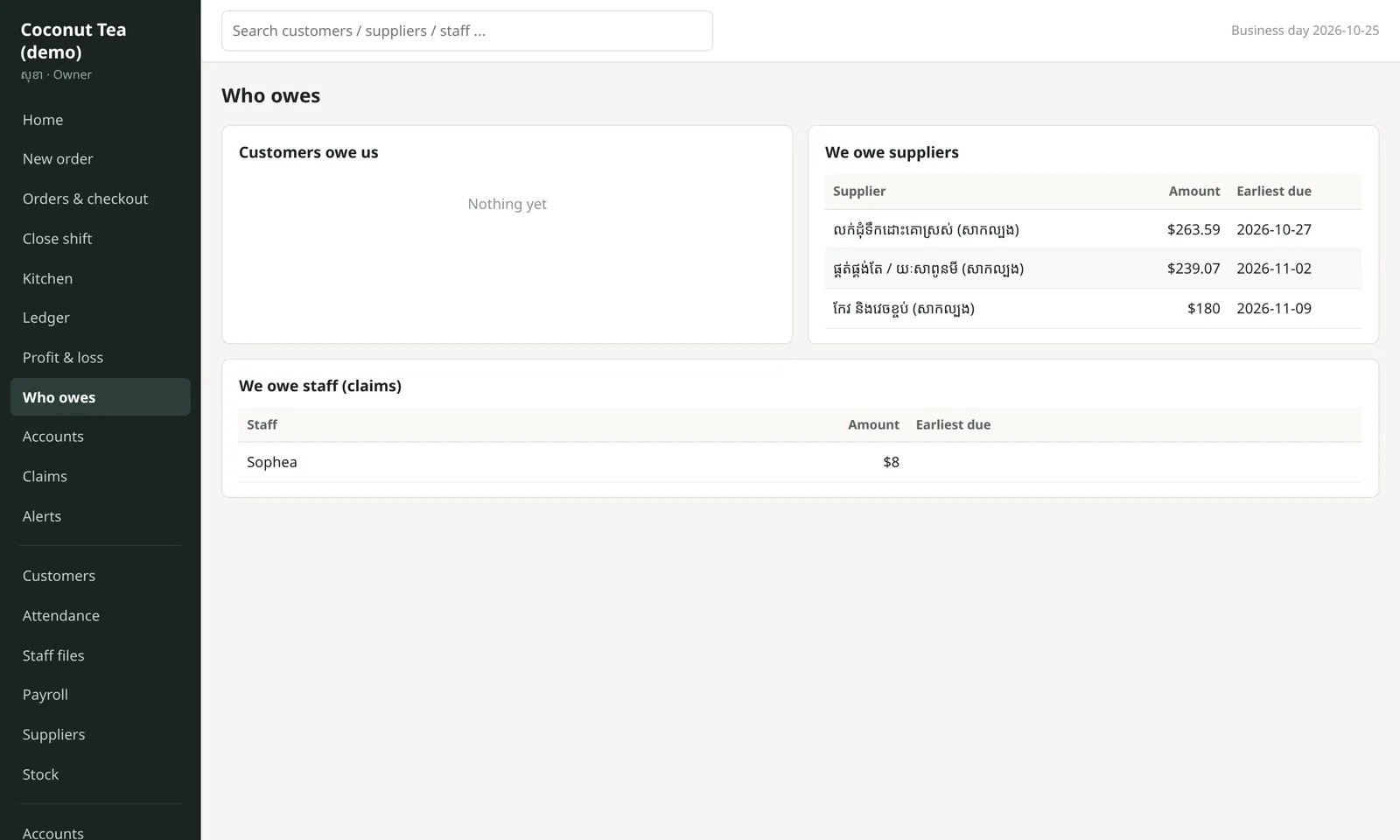
Money in, money out, real profit
Dollars, riel, ABA and WeChat in one place, so you know your real profit every day.
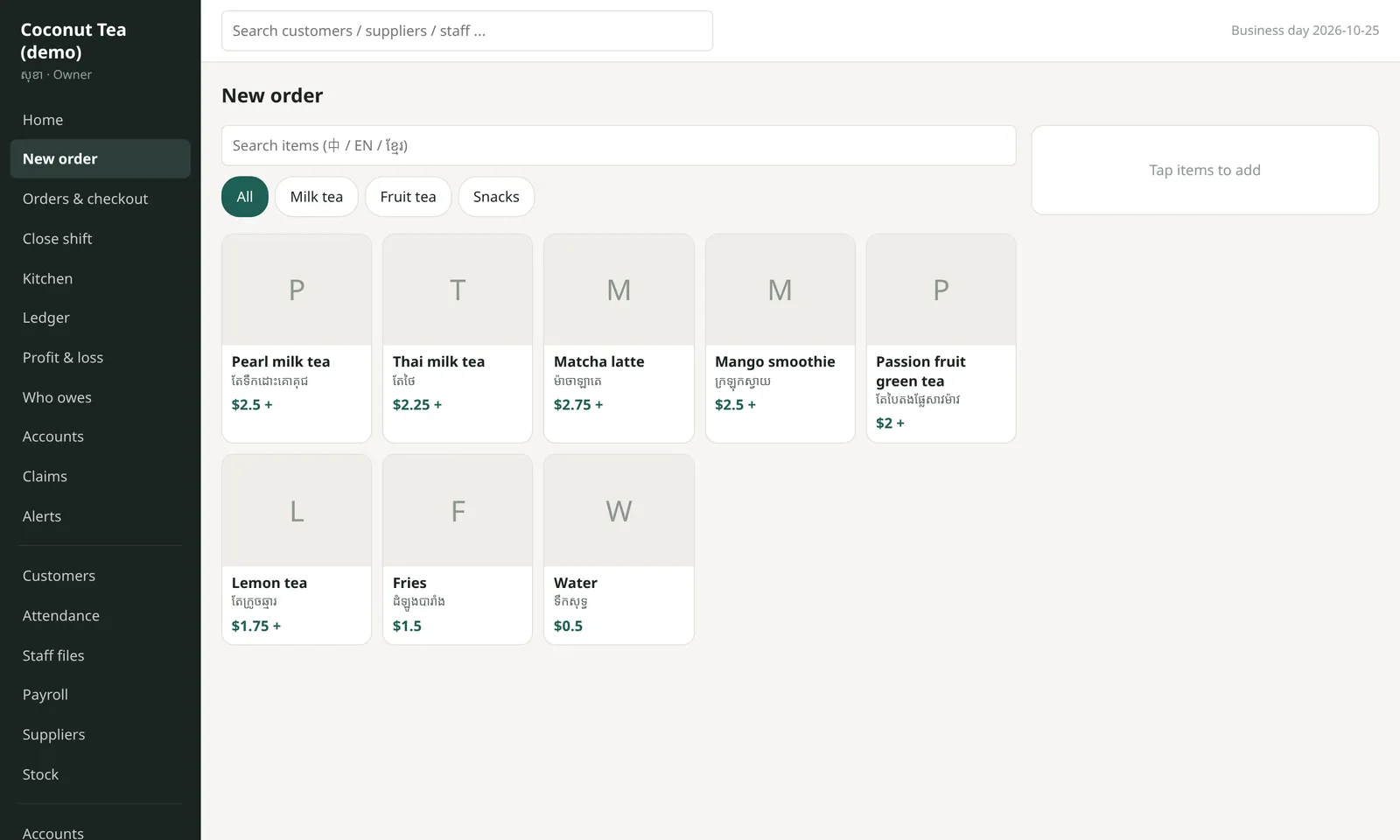
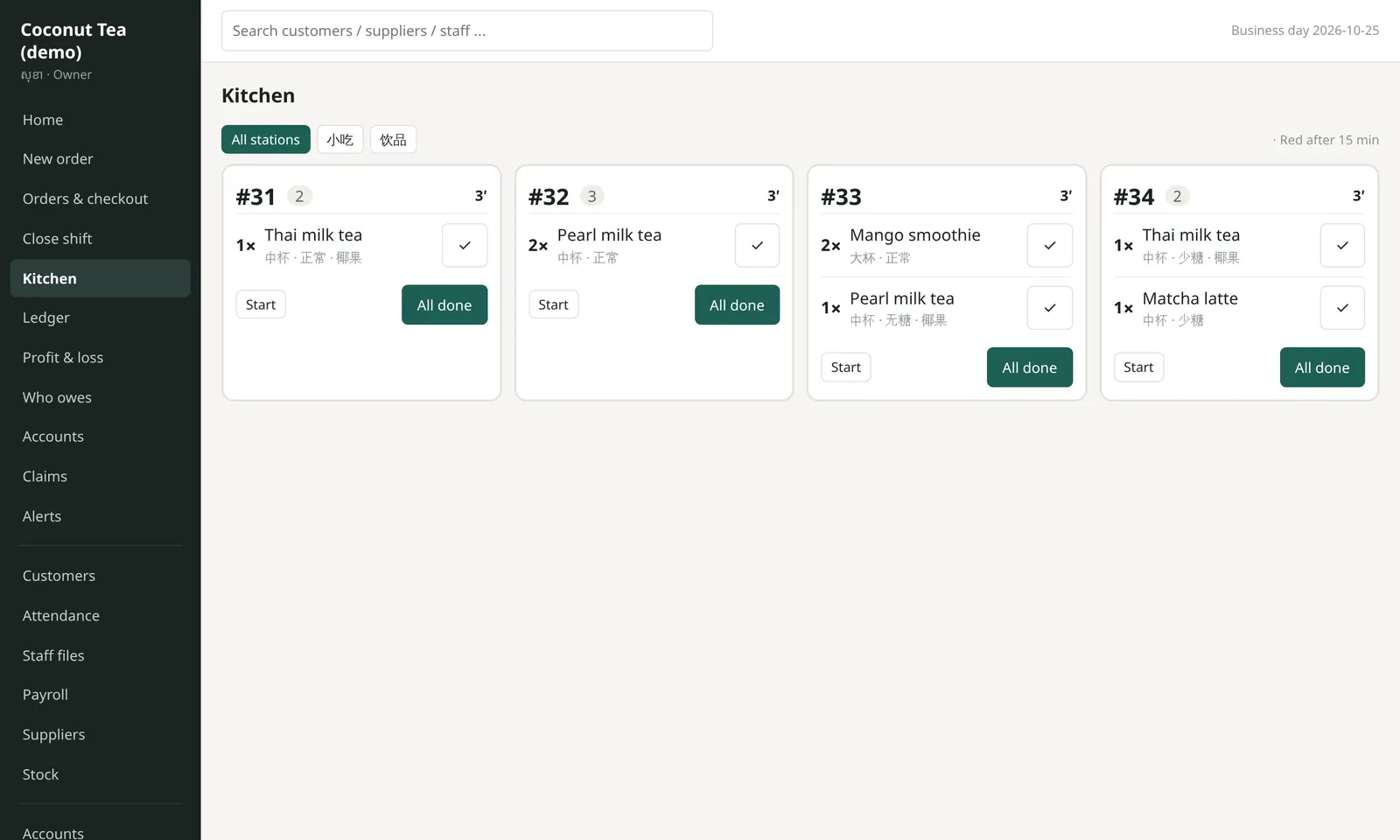
Ordering, checkout and kitchen
Staff take orders on their phones, the kitchen sees them at once, and the cash is counted at shift close.
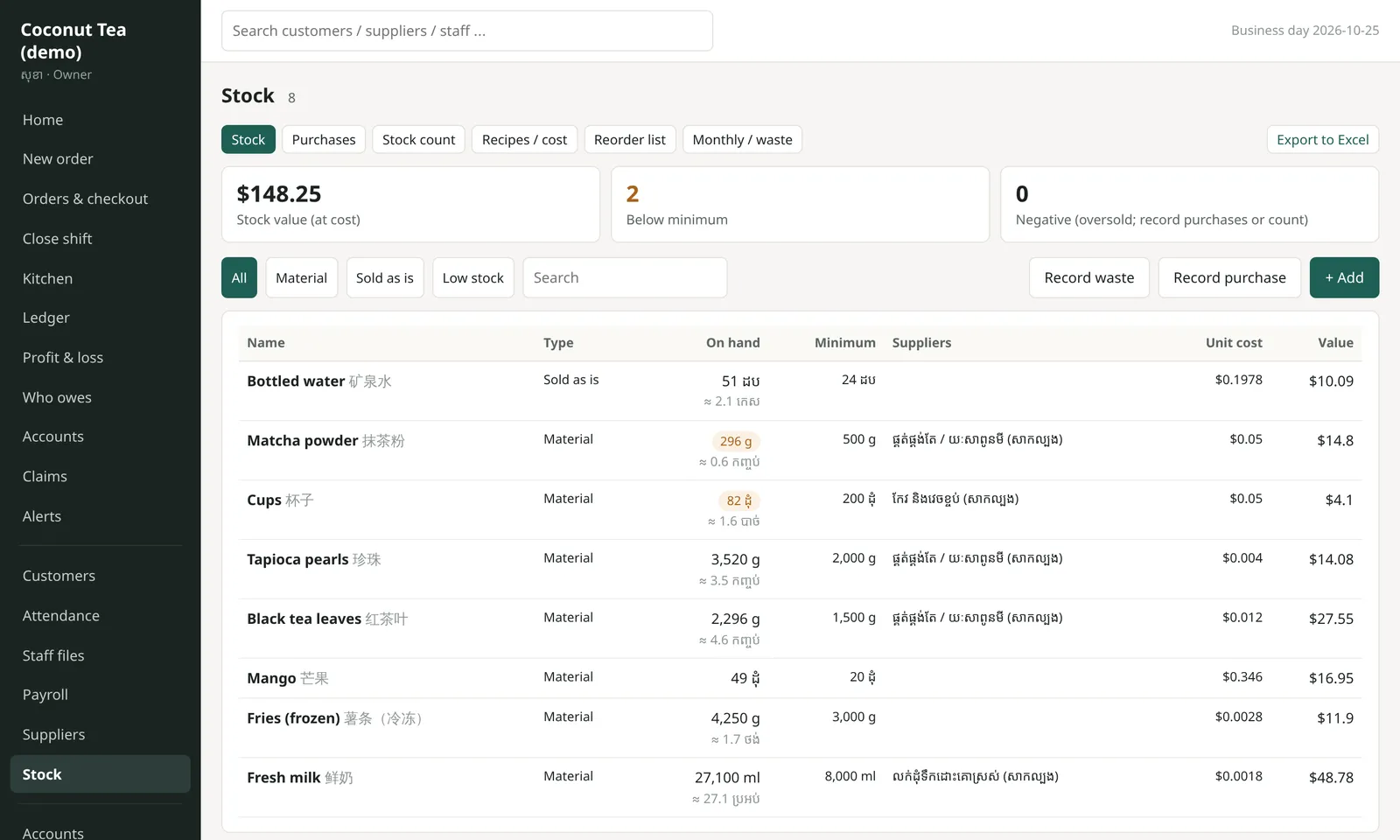
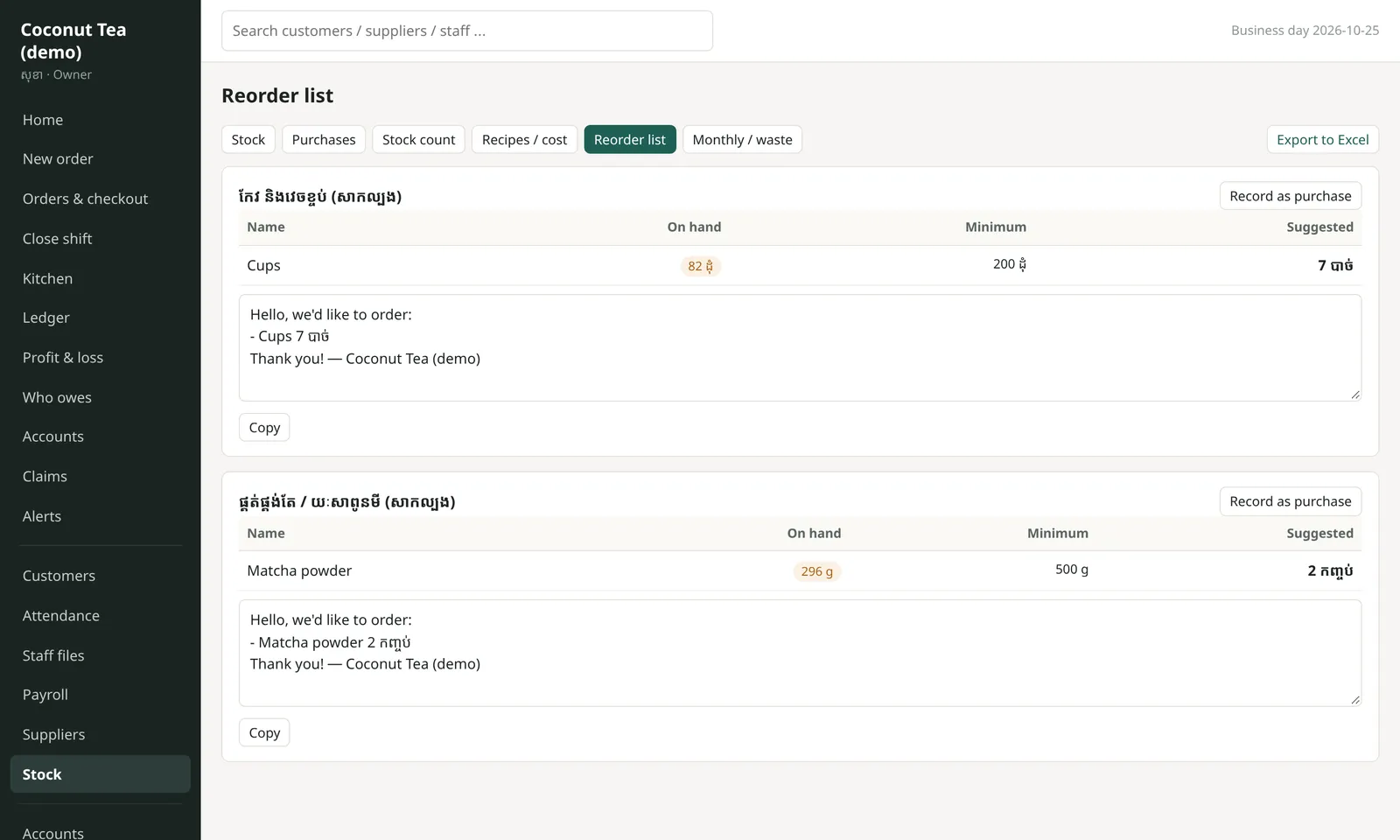
Stock, recipes and reorder list
Sell one cup and the recipe takes the ingredients out of stock, so you know the real cost of each item.
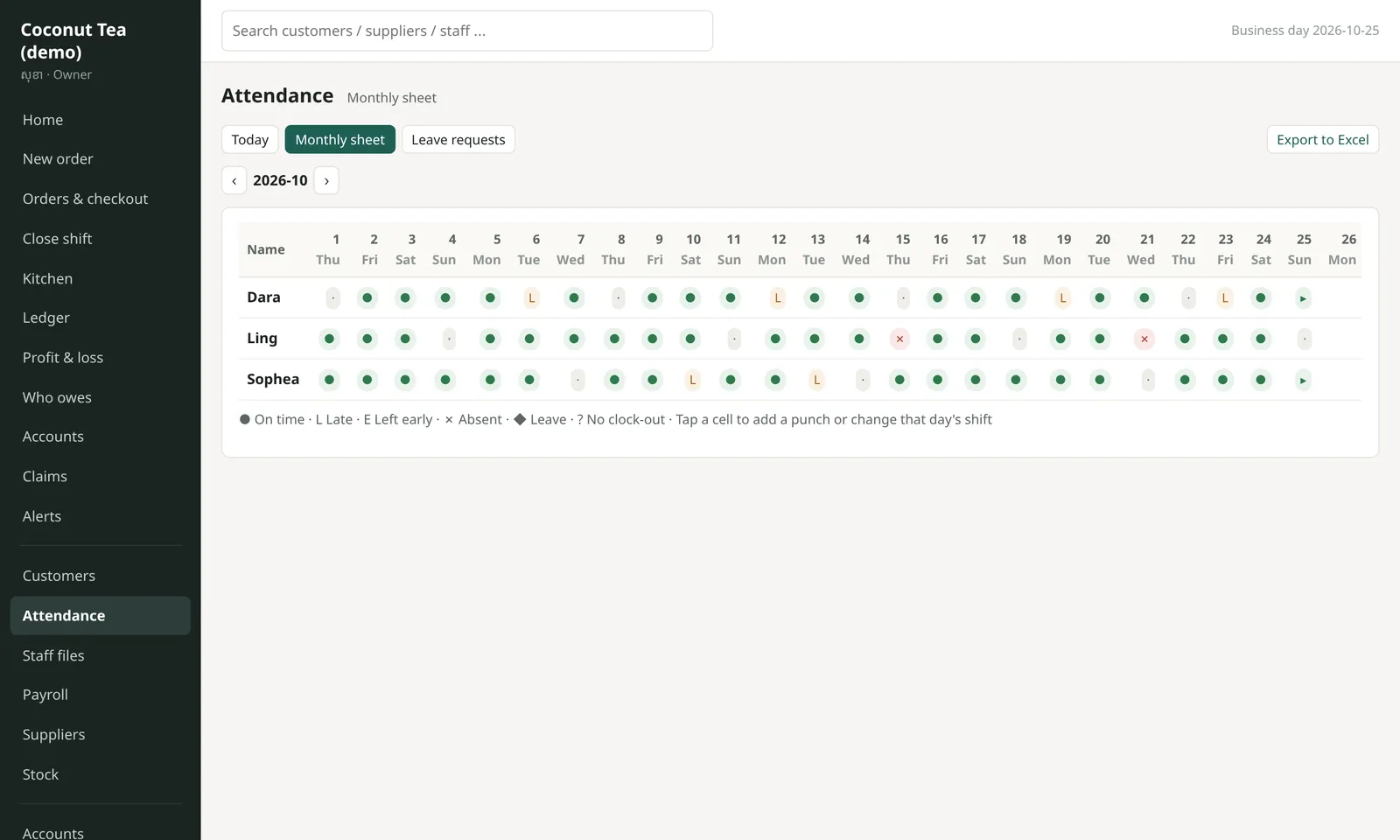
Staff, attendance and payroll
Staff clock in, ask for leave and claim expenses from their phones, in Khmer.
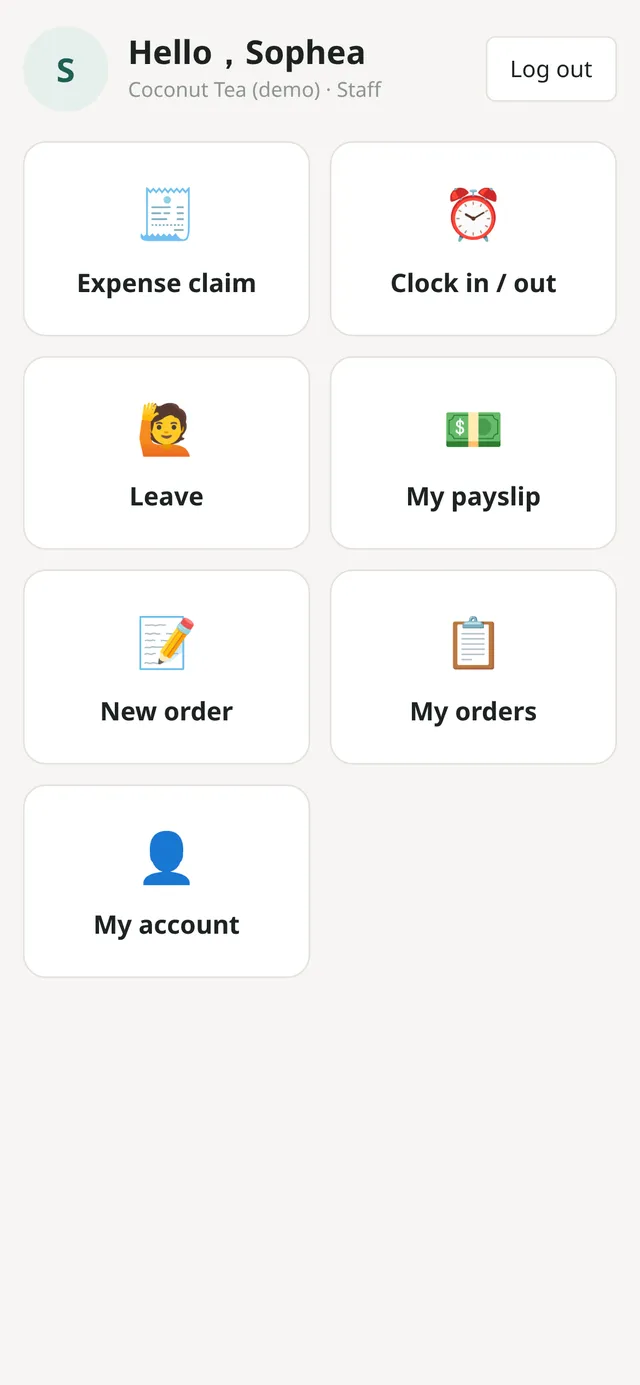
Pick only what you need
How we work with you
- Answer 7 short questionsTell us about your shop by text or voice message.
- See the demo and the priceWe show you the system and give a clear price before we start.
- Set up for your shopYour items, prices, accounts and staff, put in to match your shop.
- Install remotelyOne-click install, and we guide you step by step with picture guides.
- Help when you need itSend a message or a screenshot and we sort it out.
Real project
A visa services company in Cambodia
We built them a custom system that replaced 7 Excel sheets, and they use it every day. This shop system grew out of that work.
Questions
Will it work for my shop?
We set it up shop by shop: restaurants, cafés, beauty, mini marts, offices. Tell us a little about yours and we'll say which parts you need.
How much does it cost?
It depends on which parts your shop needs, and most small shops don't need all of them. Answer our short questions and we'll send a clear price. You pay only after you agree.
What do I need?
One Windows computer in the shop (an ordinary one is fine). Phones and iPads on the shop Wi-Fi open it straight away, with no app to install.
Does it need internet? Is my data safe?
No internet needed, only the shop Wi-Fi. Your data stays on your own computer and is backed up every day. Everyone has their own login.
I'm not good with computers. Can I install it?
Yes. We guide you step by step on WhatsApp or Telegram, with picture guides made for your shop.
Can you visit or call?
We work online and guide you remotely, which keeps the price down. Please send a text or voice message; we reply faster that way.